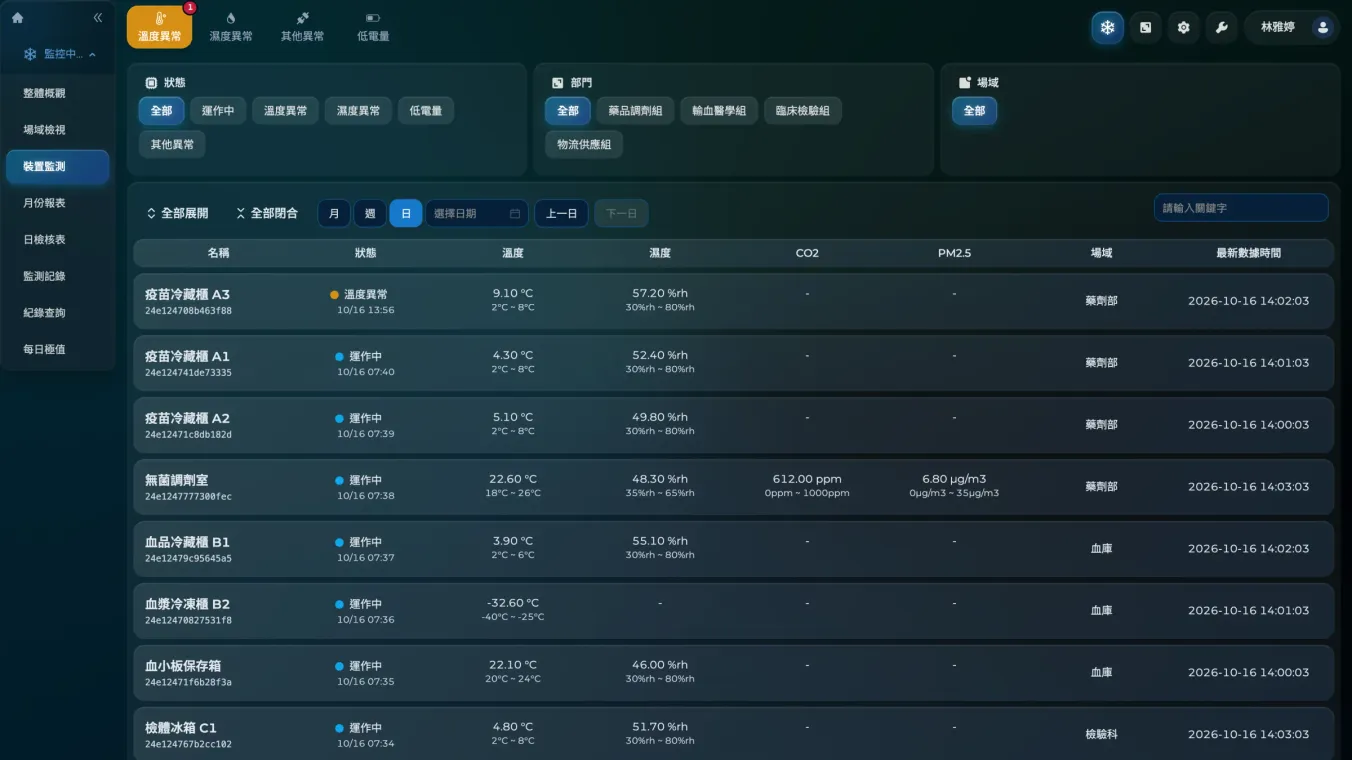
Monthly report
Generated automatically every month, with a cover page, maintenance records, data and temperature and humidity curves. It can carry your organization’s logo.
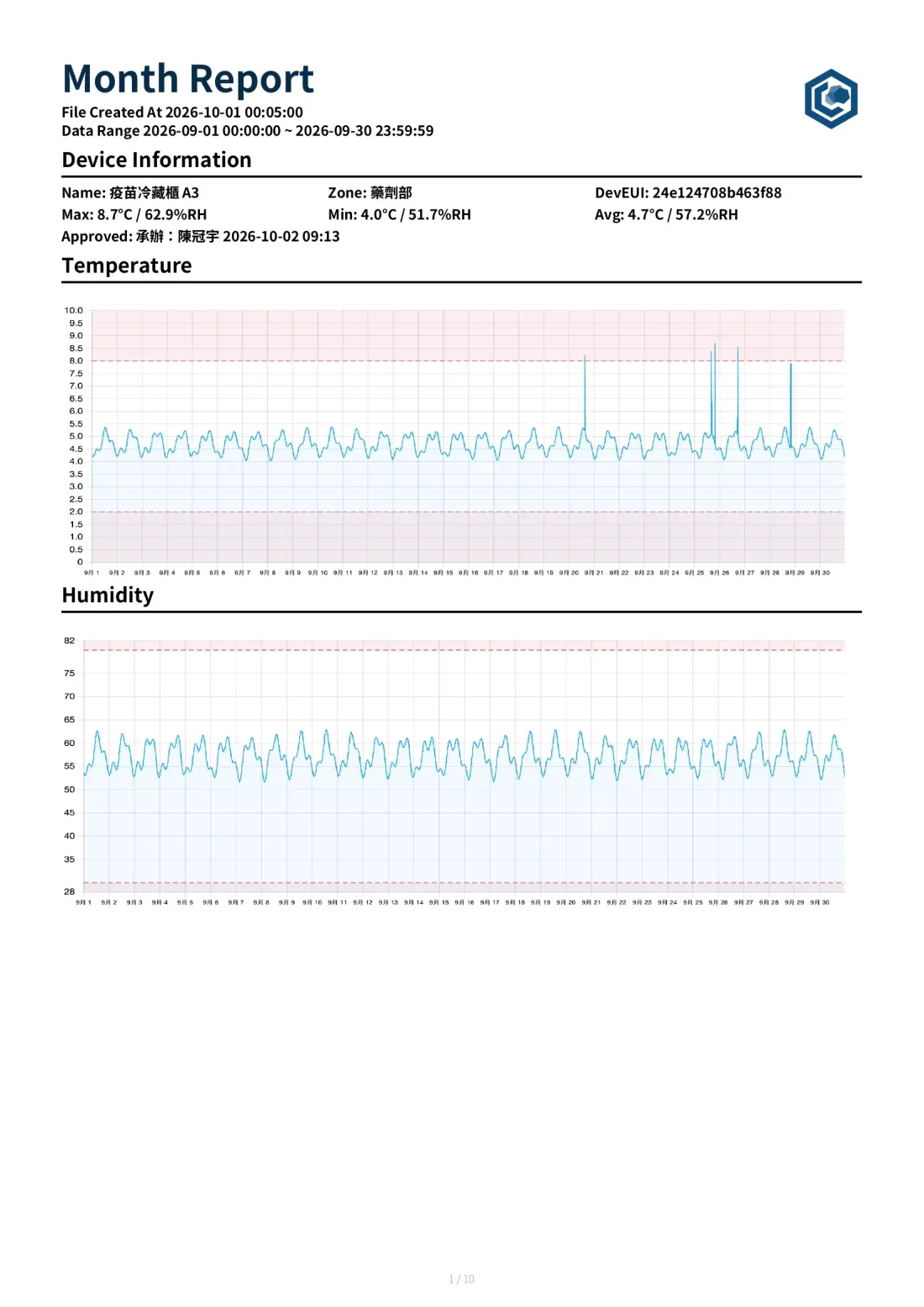


Chanlink monitors temperature and humidity around the clock, alerts the right people the moment a limit is crossed, and generates daily and monthly reports for online sign-off.

Chanlinknow
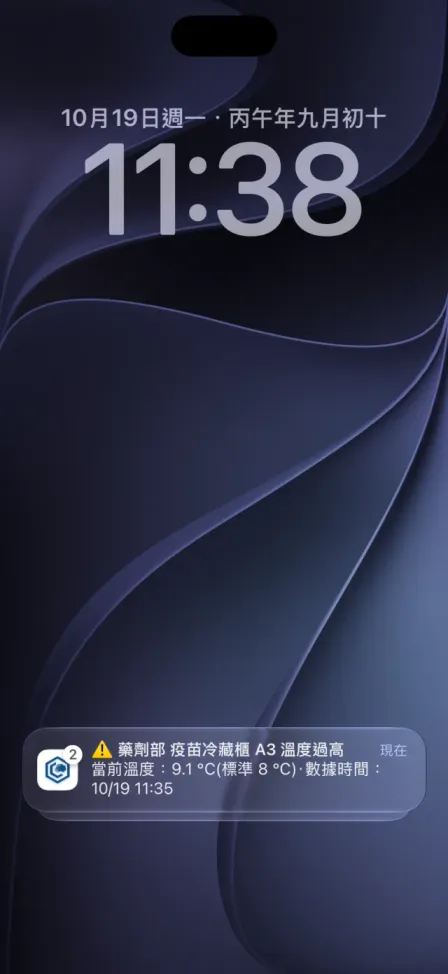
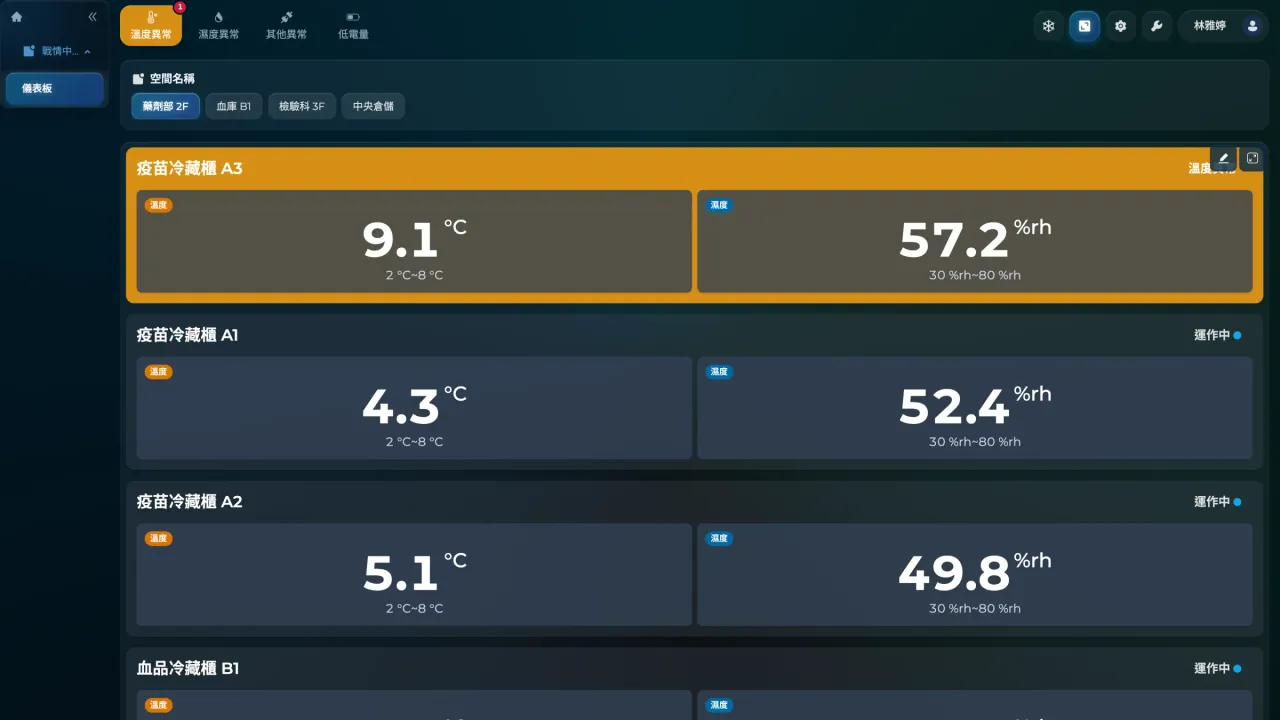
Pharmacy · Vaccine fridge A3 too warm
Now 9.1 °C (limit 8 °C)
Data time 11:35
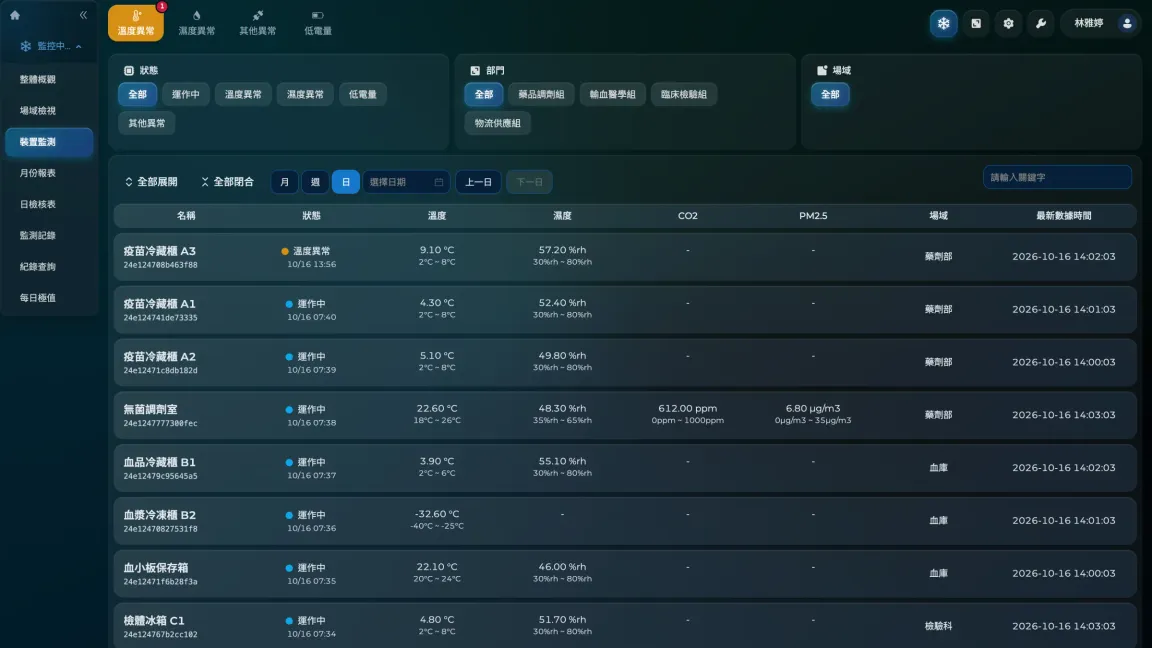
The office works in the web console, the nurses’ station has a tablet dashboard on the wall, and on-duty staff get push alerts on their phones. Everything stays in sync in real time.
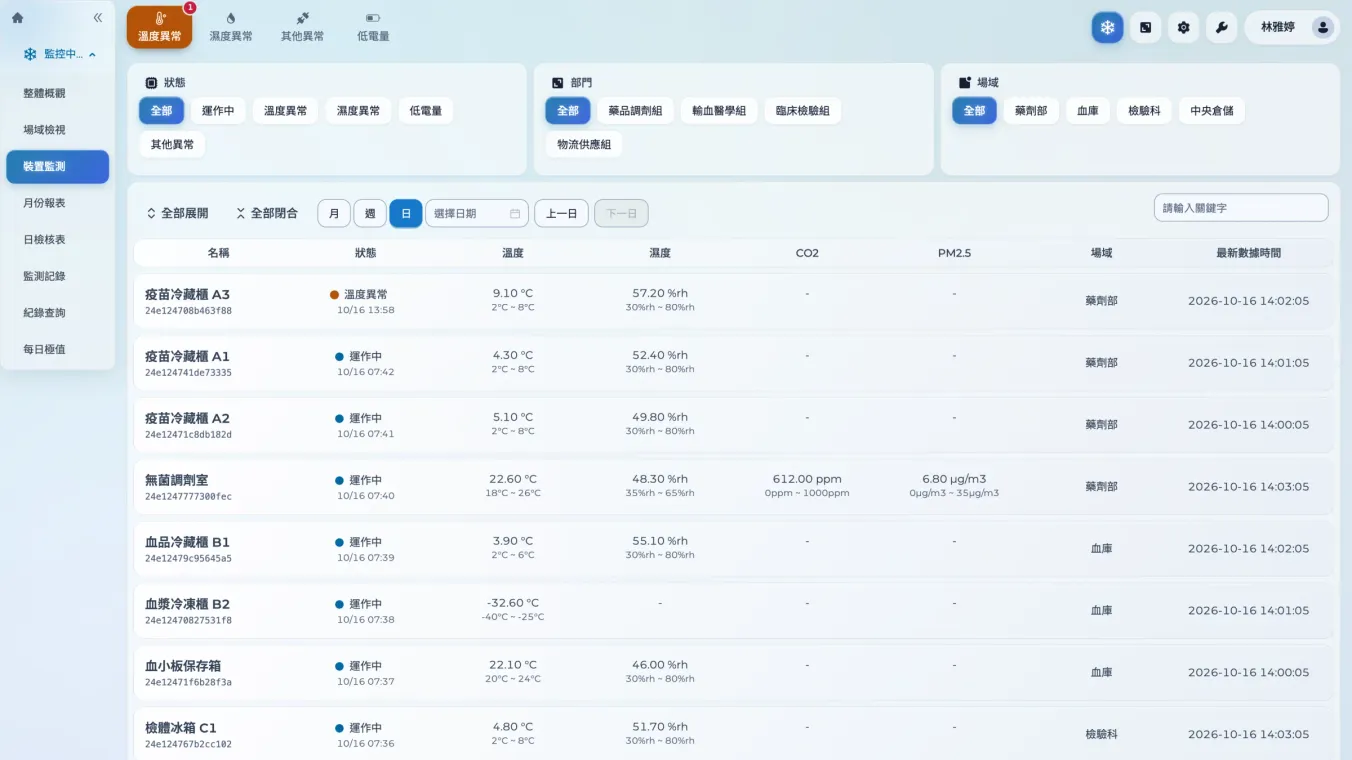
Monitoring and notification are two separate thresholds. Crossing a monitoring limit opens an anomaly event; only crossing a notification limit alerts people, so brief fluctuations do not cause alert fatigue.
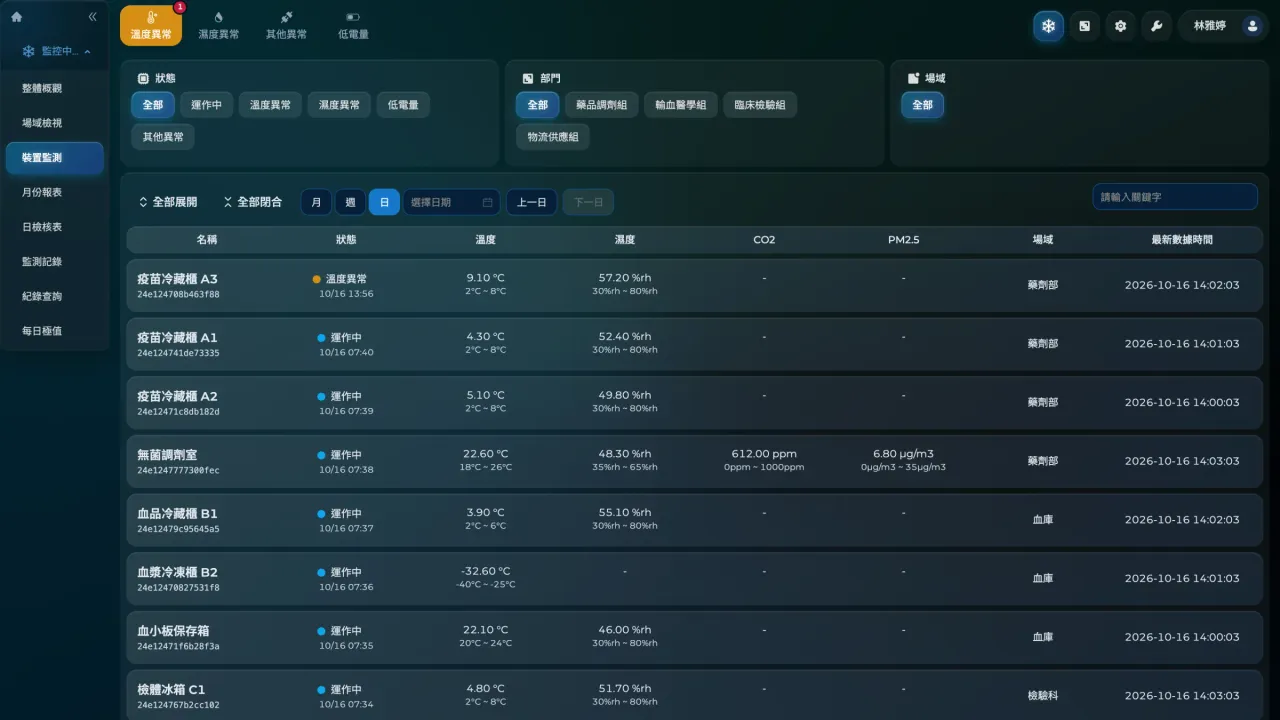
Each monitoring point has its own monitoring limits and delay. A sustained excursion automatically opens an anomaly event and records the reading at that moment.
When a notification limit is triggered, alerts go to LINE, Discord, Microsoft Teams, Slack, Google Chat, app push or voice call. Voice calls must be confirmed with a keypress and are redialed if not confirmed.
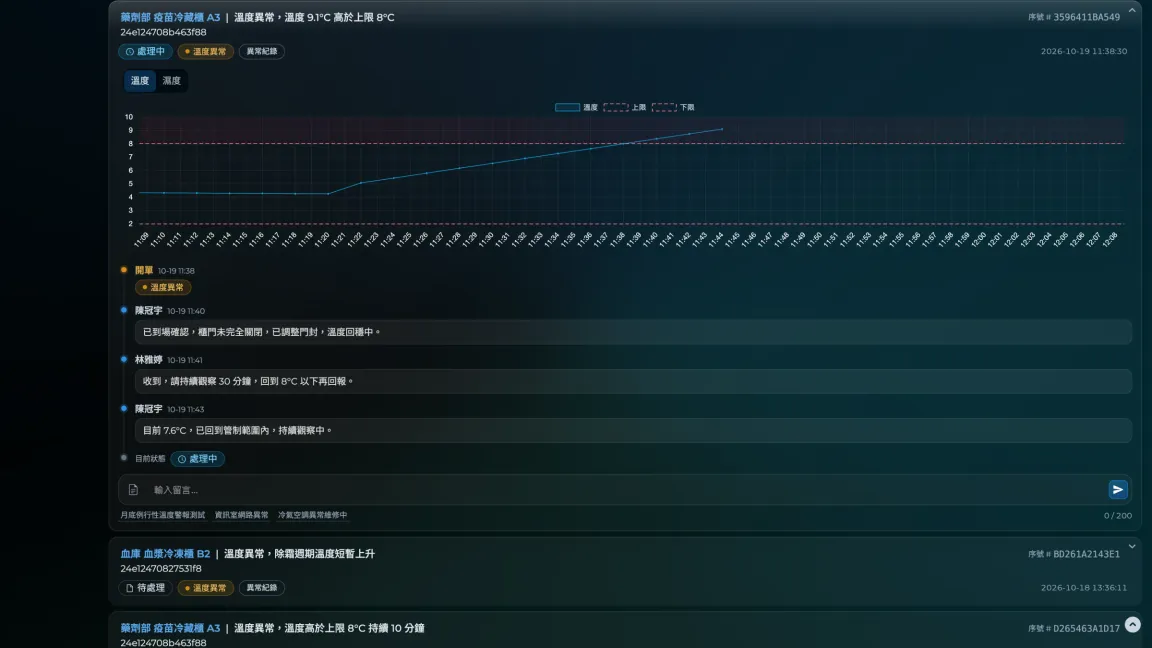
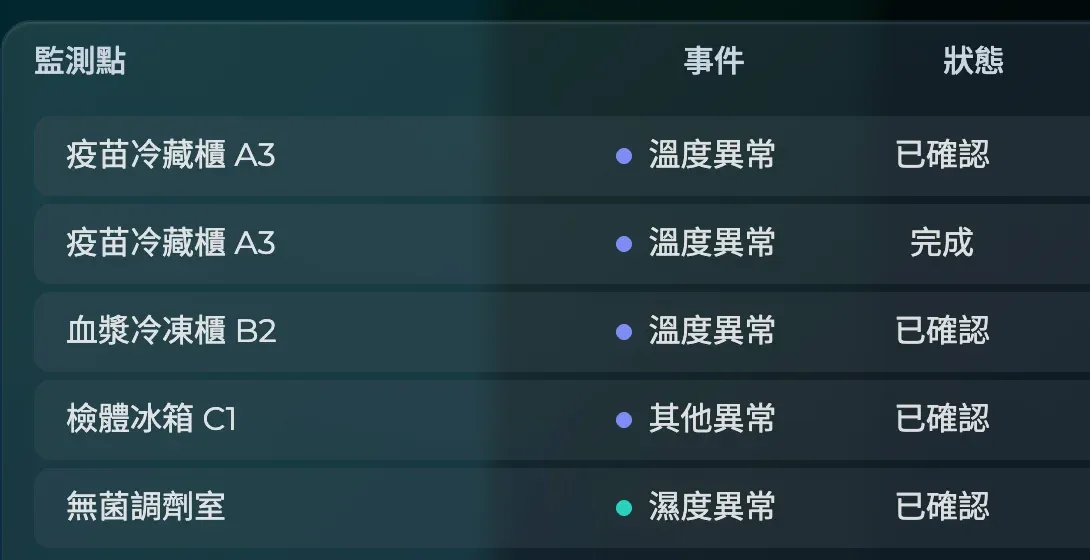
The maintenance center tracks every event as Pending, In progress or Completed, with comments and photos. When the reading returns to normal, the anomaly event closes automatically.
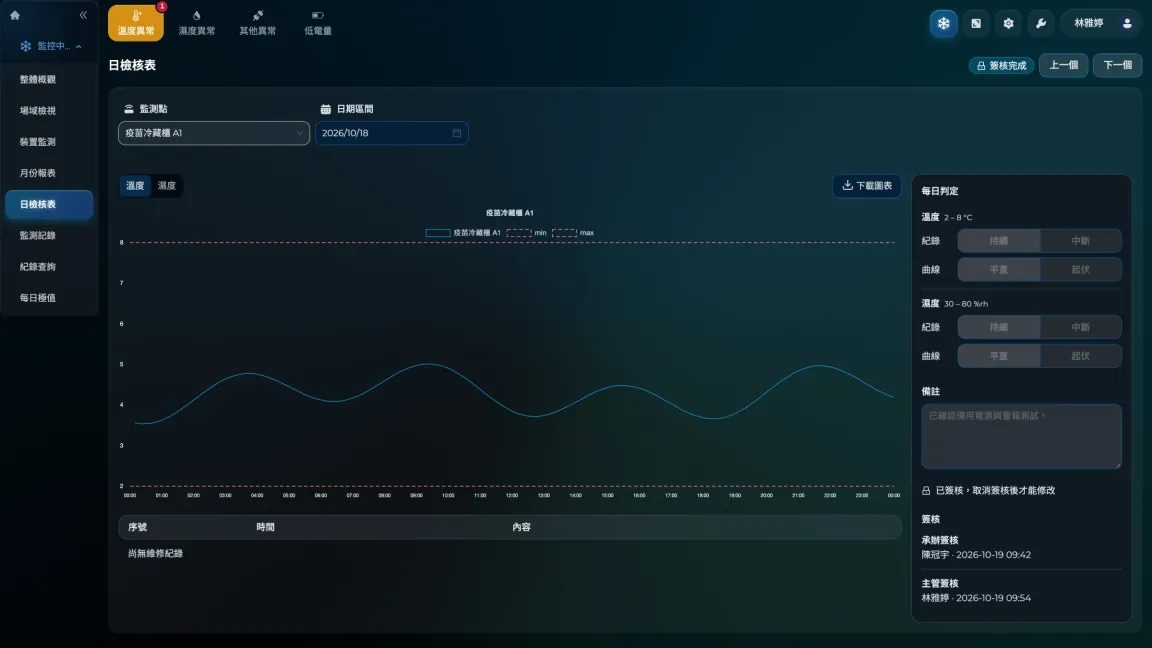
The daily checklist is generated at 00:00 every day and the monthly report on the 1st of each month. Staff and then supervisors sign off online, and both can be printed or exported as PDF.
Reports, activity logs, notification logs and permission settings live on one platform, ready to pull up during an audit.
Generated automatically every month, with a cover page, maintenance records, data and temperature and humidity curves. It can carry your organization’s logo.
Records who changed which settings, when and from which IP, including the before and after values of each field.
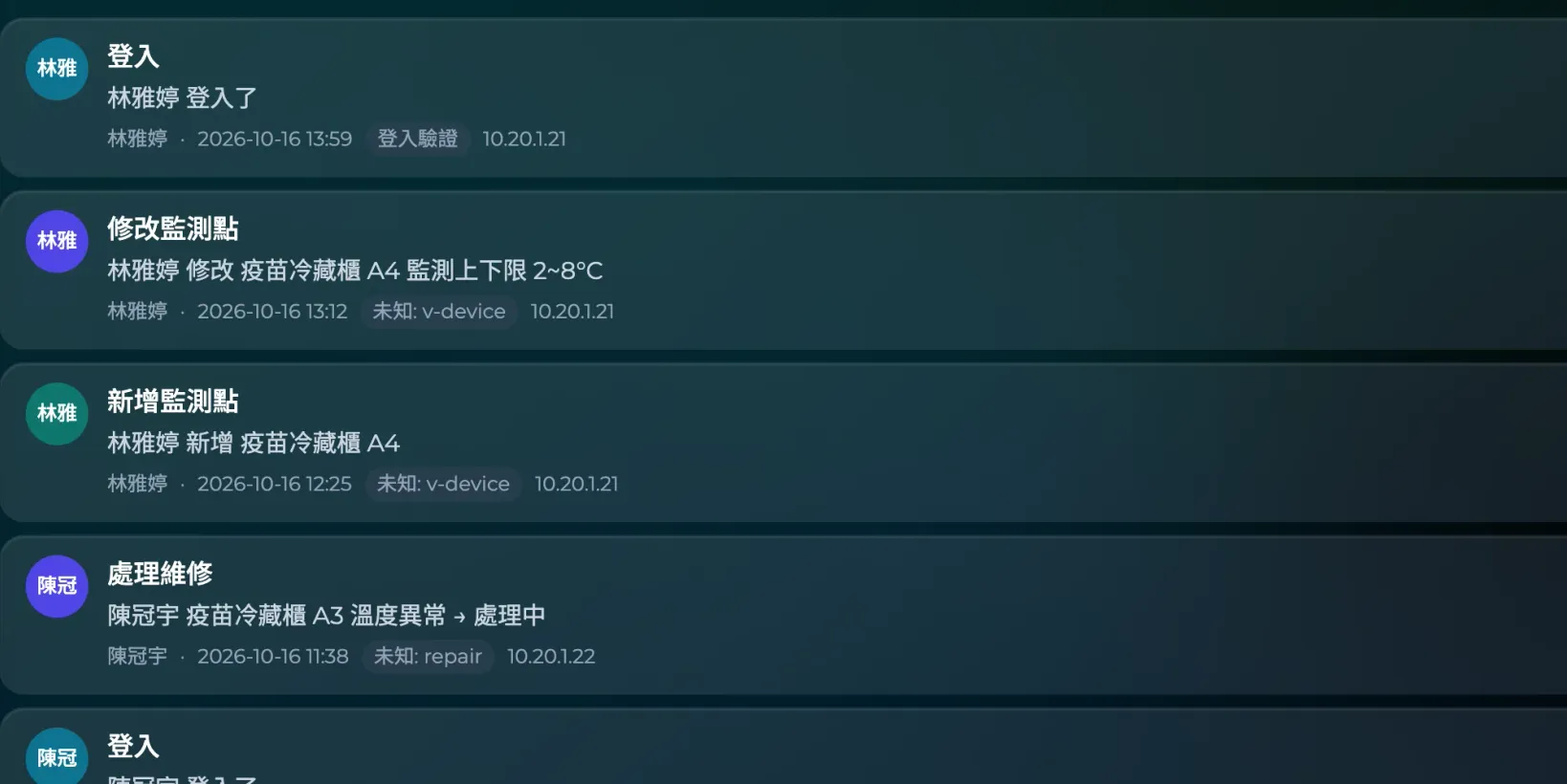
Every alert is on record: who it went to, through which channel, and whether it was delivered.

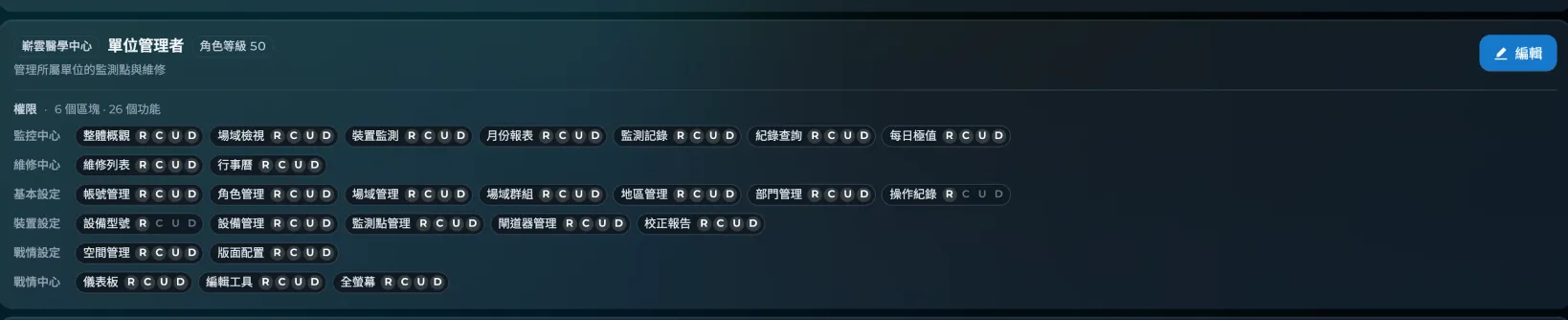
Set create, view, edit and delete permissions for each page by job role, and limit which sites each role can see.
Healthcare, biotech cold chain and food manufacturing share one platform, configured for each site.
Safeguard care quality and protect valuable vaccines
Explore the solution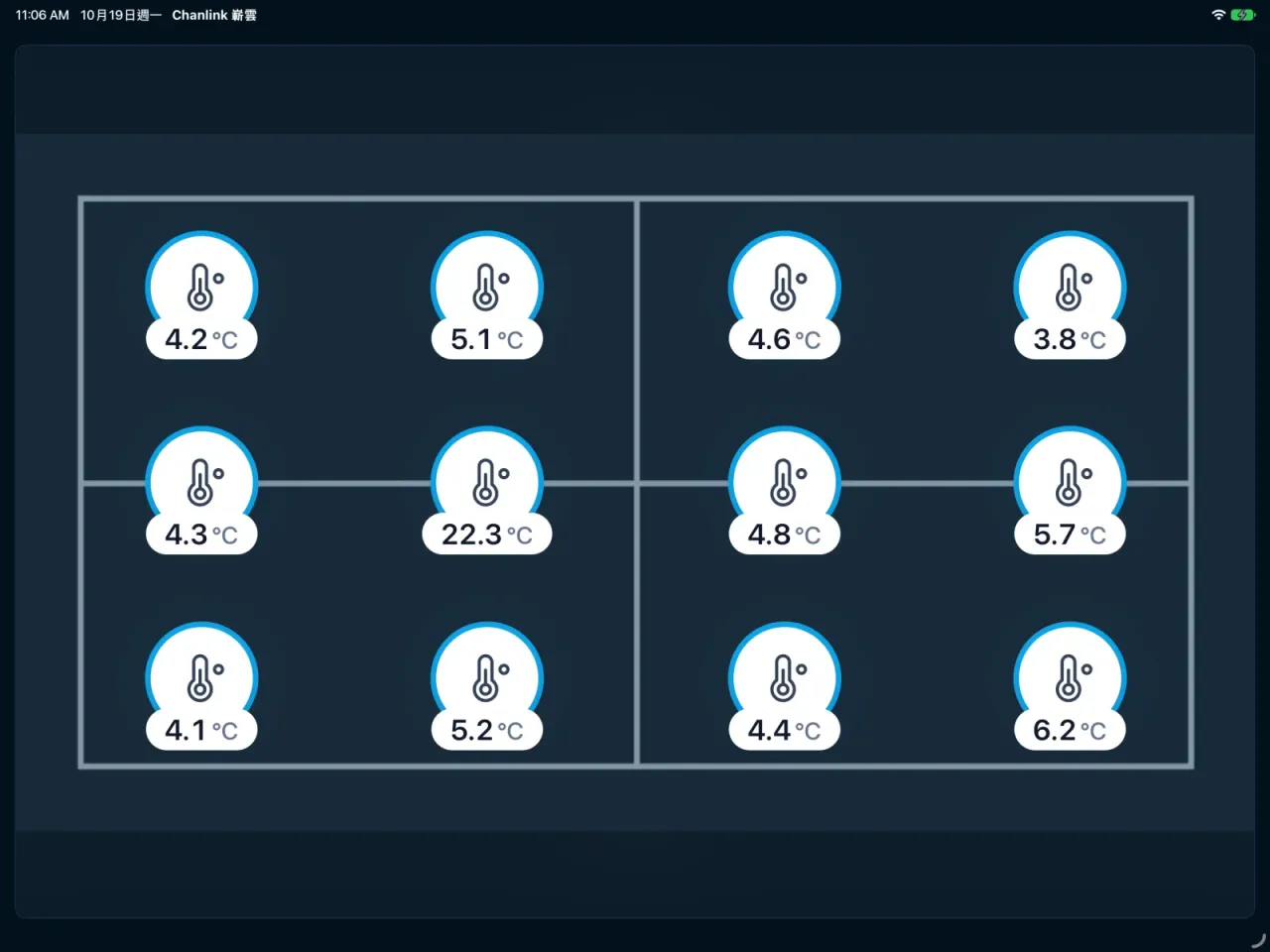
Ensure GDP compliance and protect product potency throughout
Explore the solution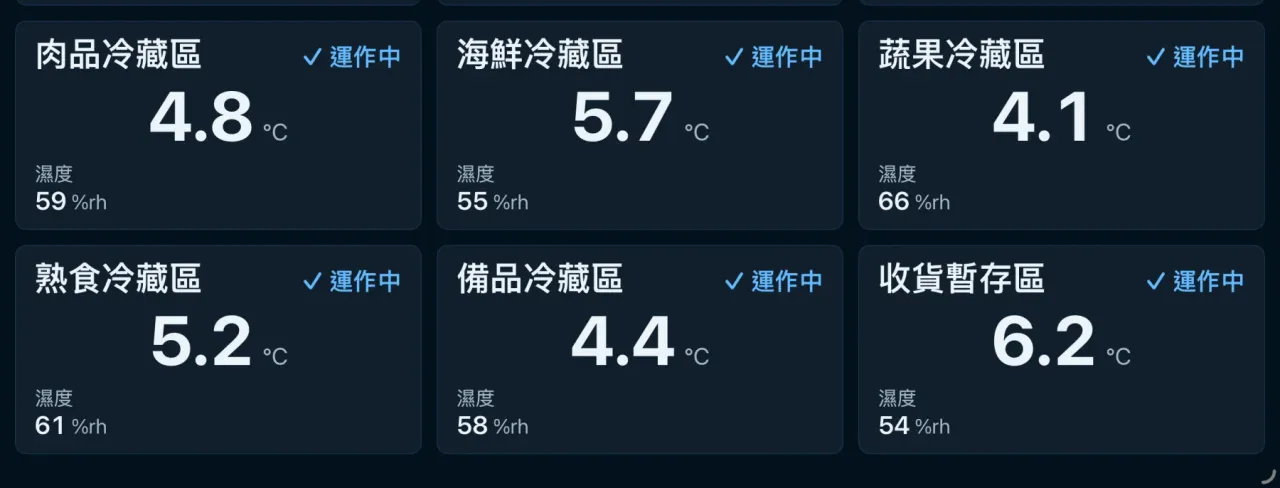
Enforce HACCP controls and protect food safety
Explore the solutionEnter your monitoring points, user accounts and deployment method to find the applicable edition from the specification table.
Result:Standard
Tell us about your site and number of monitoring points, and we will arrange a demo and provide a recommended edition and quote.
